
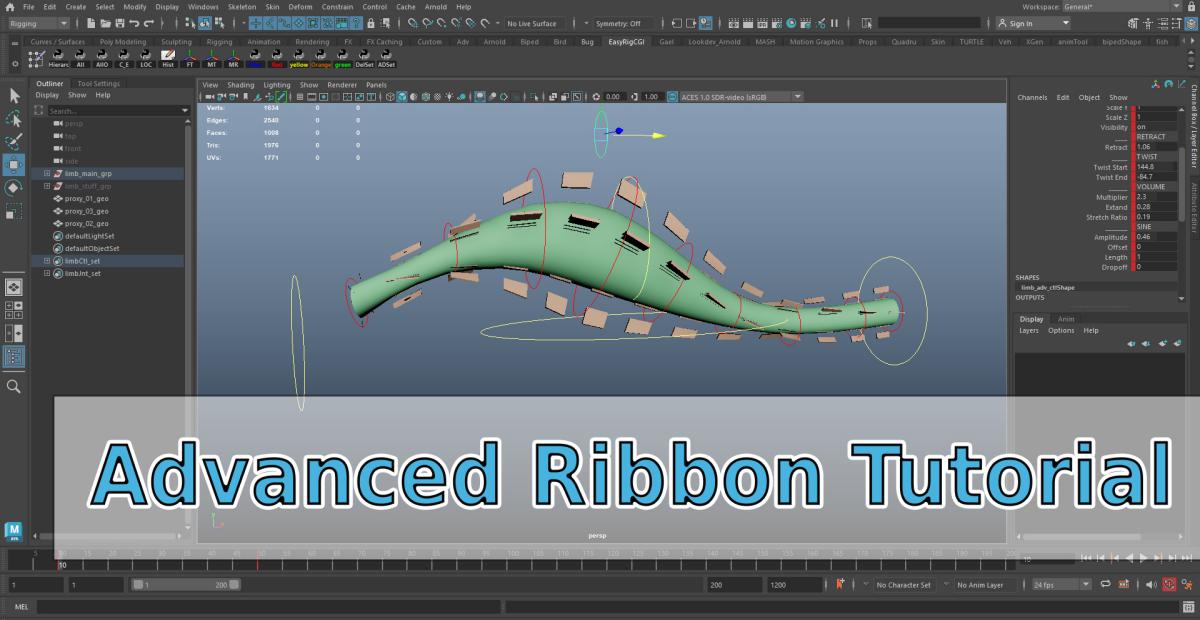
Advanced Ribbon - Autodesk Maya Tutorial
Advanced Ribbon - Autodesk Maya Tutorial
Key concepts we'll be working on:
How to build manually and step by step an advanced Ribbon.
We will go through various system creations working independently and then link them together in one main system.
Learn how to build your own advanced ribbon and manage all the technical aspects to make it work like you want.
In theses videos, we'll cover the following points:
_How we organize ourselves with the different system created.
_How to create the bend system
_How to create the sine system
_How to create the volume system
_How to create the twist system
_How to create the retract system
_How to connect all together
_How to manage the global scale
_Clean and finalize the rig
What you get with this tutorial:
_Rig scene (.ma )
_EasyRigCGI shelf and scripts
_Technical concepts
_Full Tutorial video ( 3 hours )
Enjoy !
Process
1 - Go to paiment Link, give your informations.
2 - Within 48 hours, you'll receive a mail with a link to download contents files.
3 - Enjoy !
Content
Rig scene ( .ma )
EasyRigCGI shelf and script
Technical concepts
Full Tutorial Video ( 3h )
Tutorial
30€
X
X
X
X
----------------------------------------------------------------------------------------------------------------------------------------------------------------------------------------------------------------------


Copyright © 2017 - 2026
VFX Artist / Artiste Peintre / Teacher
All rights reserved
-------------------------------------------------------------------------------------------------------------------------------------------------------------------------------